
3D design is evolving fast in 2026, from Blender-powered films to Plushcore mascots, glossy product renders, lo-fi nostalgia, and AI-assisted workflows. Explore the trends reshaping animation, branding, and motion graphics this year.


2026 is shaping up to be one of the most transformative years ever for 3D creators. From Blender breaking into filmmaking to AI accelerating entire 3D workflows, high-end results are now more accessible than ever. Open-source tools like Blender continue to push boundaries, with projects such as Flow demonstrating that small teams can produce cinematic, studio-quality stories without relying on traditional pipelines.
At the same time, the visual language of 3D art is evolving fast. Plushcore characters dominate TikTok and Gen Alpha-led brand design. Hyper-real, high-gloss product renders have become essential for beauty and fashion campaigns. And miniature, looping “diorama worlds” are flooding creator feeds, offering visually rich scenes that are quick to produce.
This report explores the biggest 3D trends shaping animation, branding, motion graphics, product design, and indie filmmaking in 2026, and how you can start using them in your own creative work.
1. Blender breaks into movie-making
Blender has been creeping into professional work for a while now, and it’s no longer unusual to see small studios rely on it for serious projects. The film Flow is a good example. The entire production was created using Blender, encompassing environments, character work, lighting, effects, and final renders. Many teams are also using it for previs and layout because it’s fast to work with, easy to learn, and doesn’t lock anyone behind licensing costs.
Why Blender is exploding in film
- Real-time previewing reduces production bottlenecks
- No licensing fees make it accessible for small studios
- A growing ecosystem of add-ons and tools speeds up workflows
This combination is attracting indie filmmakers, YouTube animators, and even commercial studios for previs, layout, and short-form production.
Where it’s headed
There are already more Blender-based shorts appearing on YouTube and Vimeo, and this number is expected to continue growing. Smaller studios are also relying on it for pitch videos, streaming mini-episodes, and rough pre-visualizations when planning larger productions.
How you can get started with Blender
If you’re curious about this style of work, make a tiny scene first. Maybe a close-up of a character or a short camera move through an environment. Blender’s real-time view and node tools help you test things quickly without digging through a big technical setup. Check out Envato’s Blender assets to get started.
2. 3D mascots & brand characters
More brands are using little 3D characters as their “main face” instead of relying only on a logo. These characters tend to have soft shapes and a friendly, toy-like look, almost like something you’d see on a shelf rather than a corporate asset.
Why brands love it
Younger audiences latch onto characters much faster than they do logos, especially Gen Alpha, who grew up in the Labubu era of toy-like collectibles and cute, stylised figures. You can use a mascot like this to act as a “virtual influencer” of sorts. And they stand out a lot more than a logo when you’re scrolling through TikTok or Instagram, so companies get better engagement without changing much else.
- Characters create faster emotional recognition than logos
- Mascots work across packaging, TikTok loops, AR filters, and ads
- They can act as “virtual influencers,” building personality and repeat engagement
Where you’ll see it
These characters show up pretty much everywhere! Printed on packaging, animated in product ads, dropped into TikTok loops, or turned into AR filters. Some brands even use them in small animated shorts or as recurring “faces” in their social feeds.
How creators can use it
Try adding Envato’s ready-made 3D mascots or low-poly characters to your scenes. You can customise colours and lighting to match your brand without building rigs or sculpting models.
3. High-gloss hyper-realism
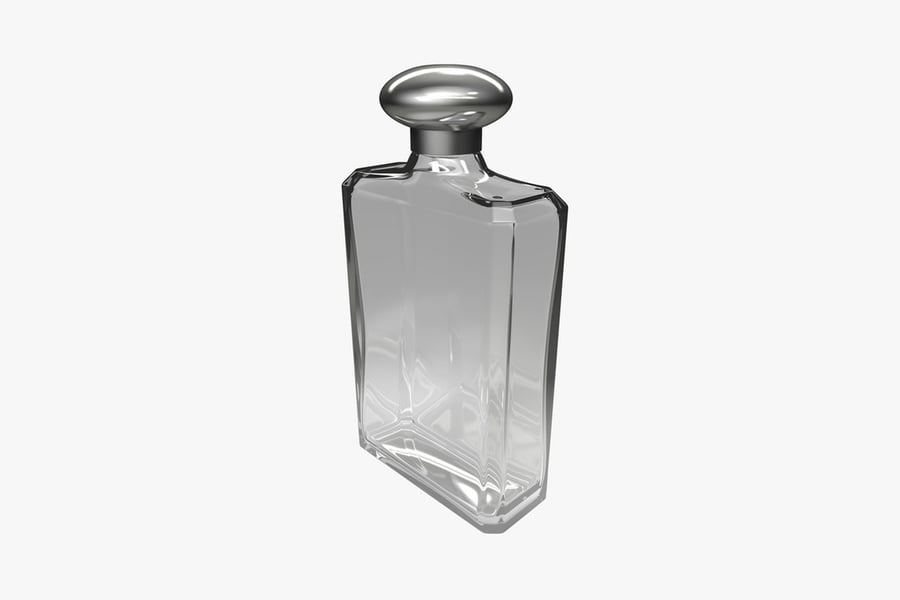
A lot of 3D work in the beauty and luxury space is leaning into a very polished look, featuring smooth chrome surfaces, liquid highlights, and intricate details that mimic high-end product photography. It’s the kind of style where every reflection is intentional, and the lighting feels almost “too perfect.”
Why is it tending?
- 3D replaces expensive studio setups for product shoots
- Brands need dozens of visual variations for campaigns
- Ray tracing and caustics are easier and more accessible than ever
Where you’ll see it
This style appears frequently in perfume ads, cosmetic launches, jewelry promotions, and those slow-motion hero shots used on landing pages. It’s become a kind of “default” look for anything meant to appear premium.
How creators can use it
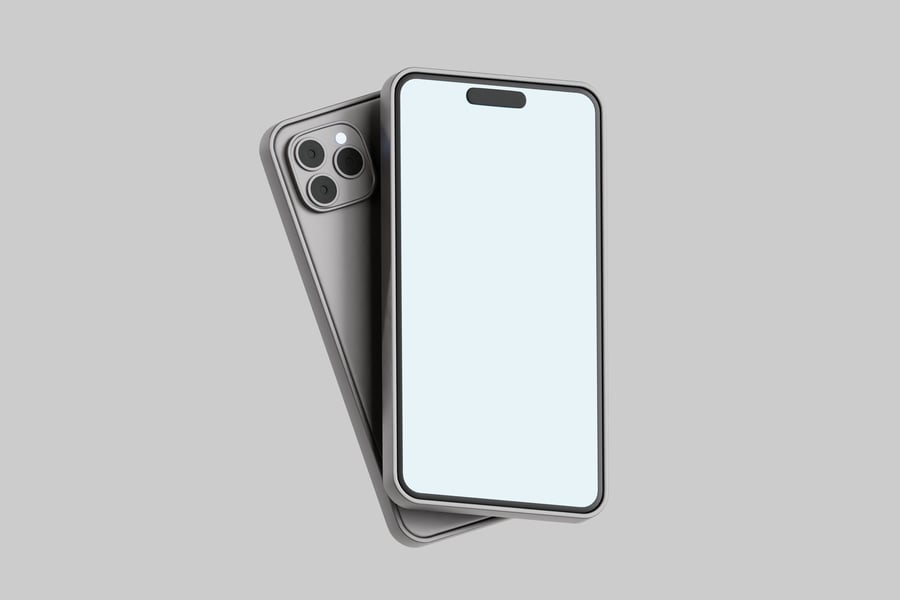
If you want to try this style, start simple. Set up a small object (or download a ready-made 3D model from Envato) and add a reflective material. Then, test a few studio-type lights in a program like Blender. You can also experiment with things like caustics or Subsurface Scattering.

4. Lo-Fi 3D & Low Poly 3D
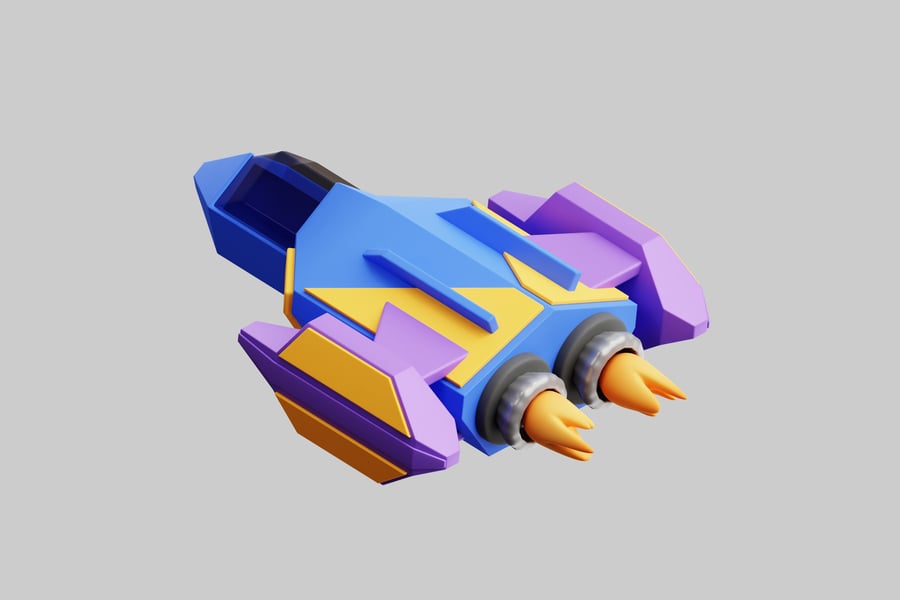
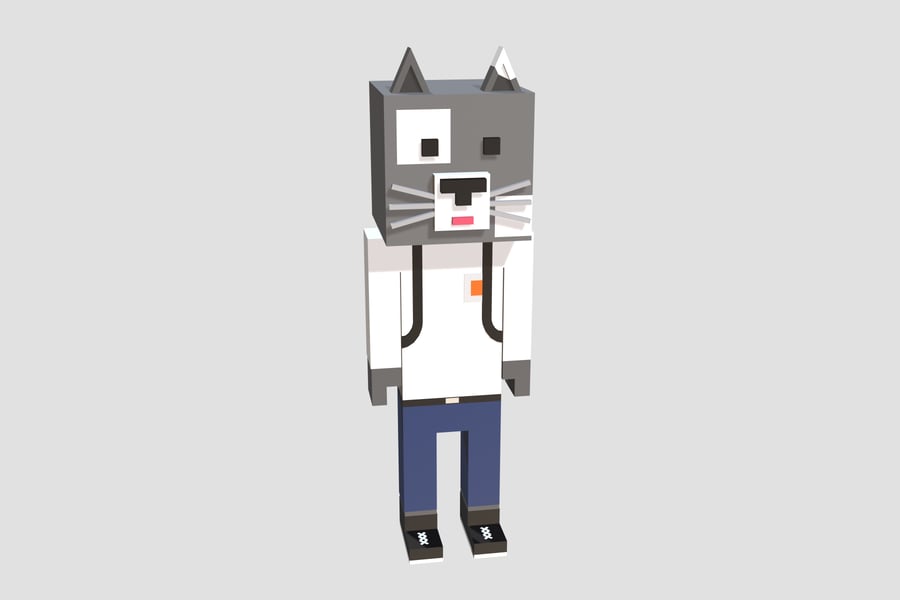
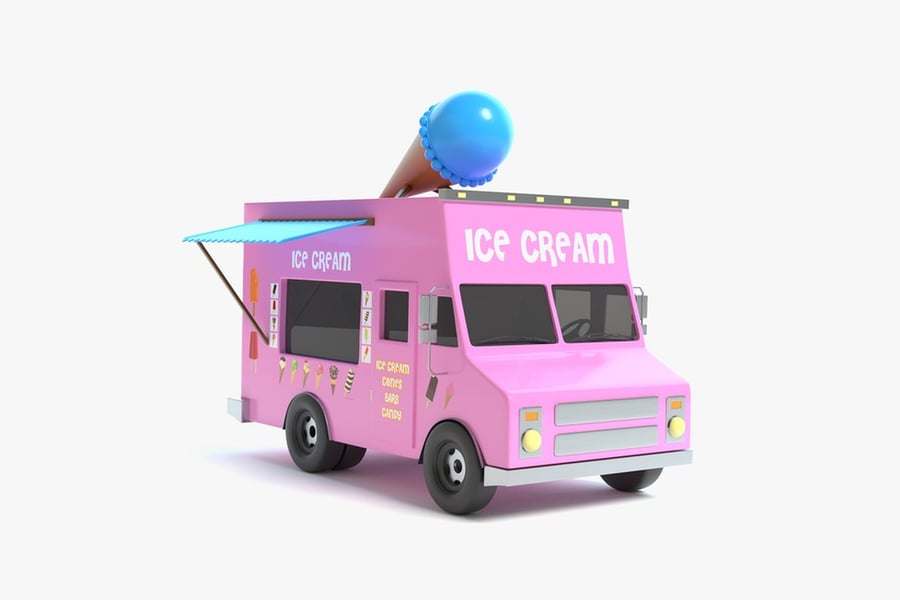
We’re seeing more artists revive the look of classic console graphics. Popular games such as Minecraft, Peak, and Monument Valley all use simple shapes and bold colours, and that stripped-back style has inspired many creators to lean into low-poly work again.
Why is it back?
Some of this stems from nostalgia in design, but part of it is a reaction to and cultural fatigue with AI-generated images. A lo-fi or low-poly render has quirks you can’t fake easily, and many indie artists like that rough edge. It feels more personal and less engineered.
Where you’ll see it
This style appears frequently in animation and video games. Smaller game teams also use it because it gives a strong mood without needing heavy assets or photorealism. Other popular examples include Octopath Traveller, Dave the Diver, and For the King.
How creators can use it
Start with simple shapes, low-res textures, and flattened lighting. Add dithering, compress the render, or apply VHS-style post effects. You don’t need much polish; the imperfections are what sell the look.
5. AI-assisted 3D pipelines
Speaking of AI, you’ll find it creeping into all sorts of spots in a 3D pipeline! A whole bunch of people use it when they need quick material ideas or just want to block something in without spending half a day on it. It helps with the early messiness so you can save your energy for the parts you actually enjoy.
Where AI speeds up production
- Quick texture concepts and variations
- Blocking out rough models
- Retopology, lighting suggestions, or sculpting helpers
- Previs and early layout tests
Tools like Substance 3D’s “Text to Pattern” or Meshy/Tripo’s rough model generation are giving creators faster starting points.
Where you’ll see it being used
You’ll notice AI making its presence known in texturing tools, sculpting apps, previs workflows, and even as small helpers in Blender or Unreal. Some creators use AI to brainstorm looks for environments or characters before they start modelling. Others use it to speed up lighting tests or generate variations for clients.
It already shows up in things like Substance 3D’s ‘Text to Pattern’ and ‘Image to Material’ tools. And even Unreal has its own helper now with Epic’s Developer Assistant, which can nudge you in the right direction while you’re building a scene.
How creators can use AI
People already use AI inside apps like Substance 3D to help with texture work or to build patterns from a single image. On the modeling side, tools in ZBrush or Blender can clean up messy geometry or set up a basic rig with minimal effort.
And now, there are tools like Meshy AI or Tripo 3D that can generate a rough model from a short prompt or a single photo. You still have to fix things by hand, but it gives you something to start from instead of staring at a blank scene.
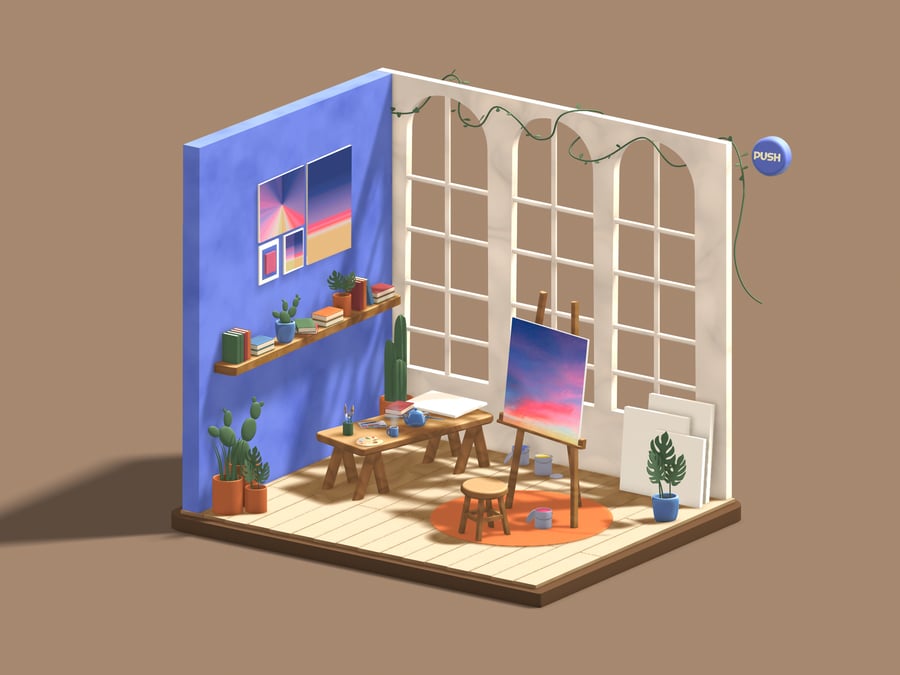
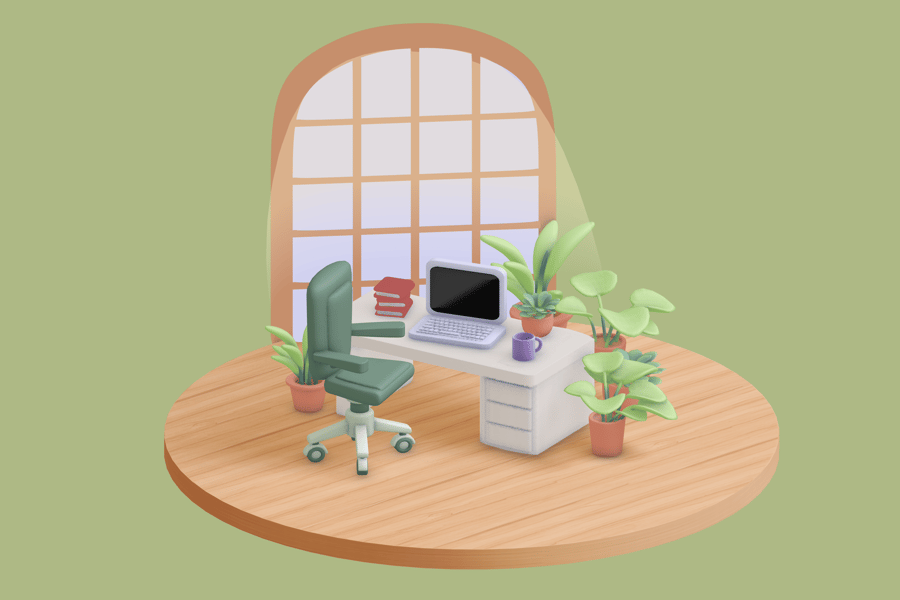
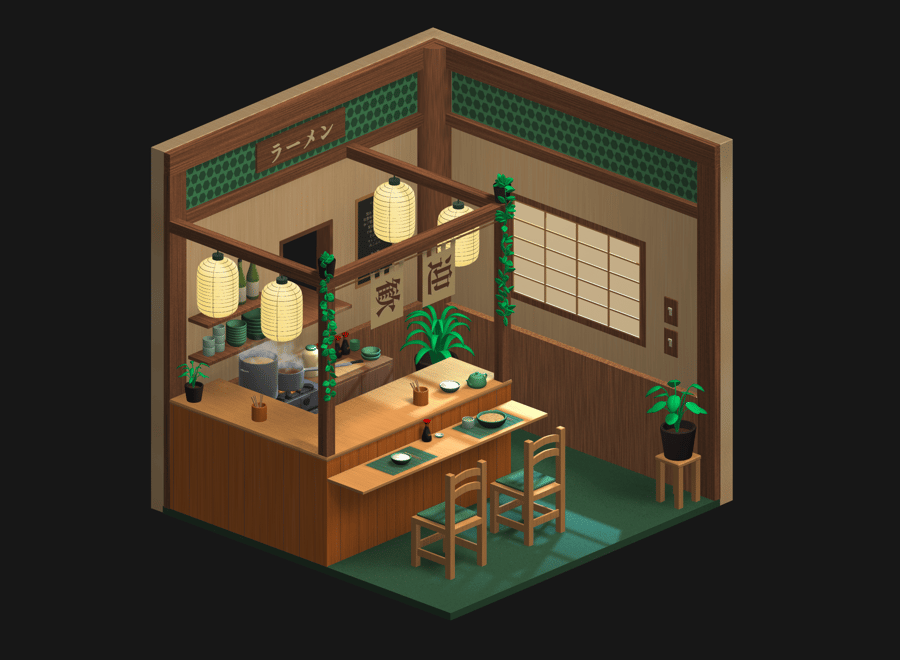
6. Micro-environments & diorama worlds
We’re seeing a lot of small 3D scenes lately. Not full environments, just little spaces. Maybe a tiny café counter, a small sci-fi corner, or a desk with a few props. They feel more like snapshots than full worlds. Some artists animate them as short loops, but many work just as well as still images.
Why are they popular?
Short-form platforms love this kind of work because it’s easy to watch and easy to share. They also don’t take as long to build as big environments, so creators can experiment more and finish pieces faster. Brands also use them for product shots, as a tiny set can frame an object in a neat, focused way.
Where you’ll see it
You’ll spot these scenes in looping TikTok videos, small ASMR-style renders, stylised sci-fi rooms, cosy tabletop setups, and those miniature cafés that pop up all over Instagram and YouTube Shorts.
How you can use it
To test this style, create a small diorama in a 3D program like Blender. Simple objects and shapes work best. Pick one lighting look and stick with it. It’s a quick way to make a clean portfolio piece.
7. Hybrid 2D/3D composites
You’ll notice more artists mixing sketchy, 2D-style lines with their 3D scenes. Sometimes it’s just a few drawn strokes over a model, other times the whole thing leans toward a painted or anime-like look. It ends up feeling like a mix of both worlds rather than a pure 3D render.
Why is it trending?
This approach has a look that’s hard to forget, making it ideal for smaller animation teams or anyone looking to stand out online. There’s also a growing interest in painterly and anime-inspired visuals, and this mix gives creators a way to hit that style without building everything in pure 2D.
Where you’ll see it
You’ll run into this style a lot on YouTube, especially in smaller animation channels and experimental shorts. Music videos and title work also use it when they want something that feels drawn but still has some 3D depth. Feature films helped push the look forward to! Into the Spider-Verse, Across the Spider-Verse, The Mitchells vs the Machines, Puss in Boots: The Last Wish, and even TMNT: Mutant Mayhem all played with that mix of flat lines and 3D movement, which encouraged more artists to try their own take on it.
How you can use this style
To play with this look, build a small 3D setup and sketch on top of it. Blender’s Grease Pencil is a straightforward entry point. You can apply a toon shader or a rough overlay to tie everything together. Don’t stress about making it perfect; the roughness is part of the appeal.
8. Real-time, anime-style rendering
More artists are using real-time tools to get stylised results instead of chasing realism. Think cel shading, painterly shading, or anime-style lighting, all running straight in the viewport or game engine. You see the final look as you work, which makes the whole process feel a lot lighter.
Why is it booming?
- Instant feedback boosts experimentation
- Distinctive style differentiates creators
- Accessible for VTubers, game devs, and motion designers
Where you’ll see it
If you examine games like Genshin Impact or Honkai: Star Rail, you can see how prevalent this style has become. Persona and Guilty Gear push it in their own ways, too. VTubers rely on it a lot, and you’ll find it in plenty of short animations and looping music videos.
How creators can use this style
To try the look, start with simple setups in Blender using its NPR nodes, or experiment with the stylised materials inside Unreal. Even a basic scene can look striking once the outlines and flat colour passes are in place.
3D trends 2026 FAQs
Why are soft, Plushcore 3D characters so popular in 2026?
People are drawn to designs that feel warm and comforting, and Plushcore hits that mood perfectly. Gen Alpha grew up surrounded by toy-like characters, so the style feels familiar and friendly. Brands also like it because these characters stand out more than flat logos.
How are brands using 3D mascots in their marketing?
They appear on packaging, in social media loops, as AR filters, and occasionally as short animated videos. The mascot becomes the “face” of the brand, making it easier for people to recognize it instantly.
Is Blender really being used for major films?
Yeah, it’s being used. Flow is a notable example that people often discuss, and there are a few other indie films made in a similar manner. Some larger studios open Blender when they need quick previs or a fast animation test, mostly because it loads quickly and requires minimal setup.
How is AI changing 3D workflows this year?
AI helps with the early steps, such as gathering refs, trying a lighting setup, and blocking out a rough shape. It doesn’t do the whole project for you. It just clears some of the busywork so you have more time for actual creative choices.
What’s driving the comeback of lo-fi and imperfect 3D aesthetics?
Many people miss the look of early console graphics, and some creators are reacting against the clean, AI-generated images. The rough edges and stretched textures lend the work more personality, so the style has regained its character.
Can beginners use AI-assisted tools to create professional-looking 3D models?
They can get a basic start with it. AI can provide a rough model or some texture ideas, but you still need to refine them by hand. Most beginners use AI for the initial draft and then complete the work in Blender or their preferred software.
Do these 3D trends apply to motion graphics and branding?
Definitely. Many motion designers use Plushcore characters, lo-fi looks, or stylised NPR shading in their projects. Brands want recognisable visuals for short-form content, and these trends translate well to that kind of work.
The next wave of 3D design
2026 proves that 3D is no longer one visual style; it’s dozens. Plushcore mascots, glossy product renders, lo-fi nostalgia, and anime-style NPR renderings coexist because each offers something unique. Tools like Blender and AI-powered helpers are lowering the barrier to entry, allowing more creators to explore a wider range of looks than ever before.
You don’t need a massive project to join in. Start with a diorama, a loop, a stylised portrait, or a small character test. The tools are more accessible than ever; your ideas just need a starting point.
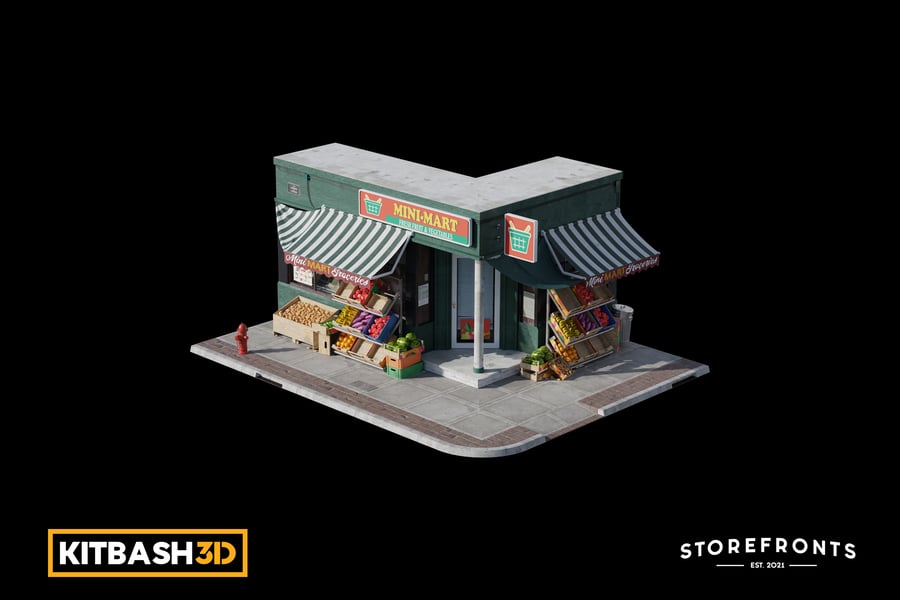
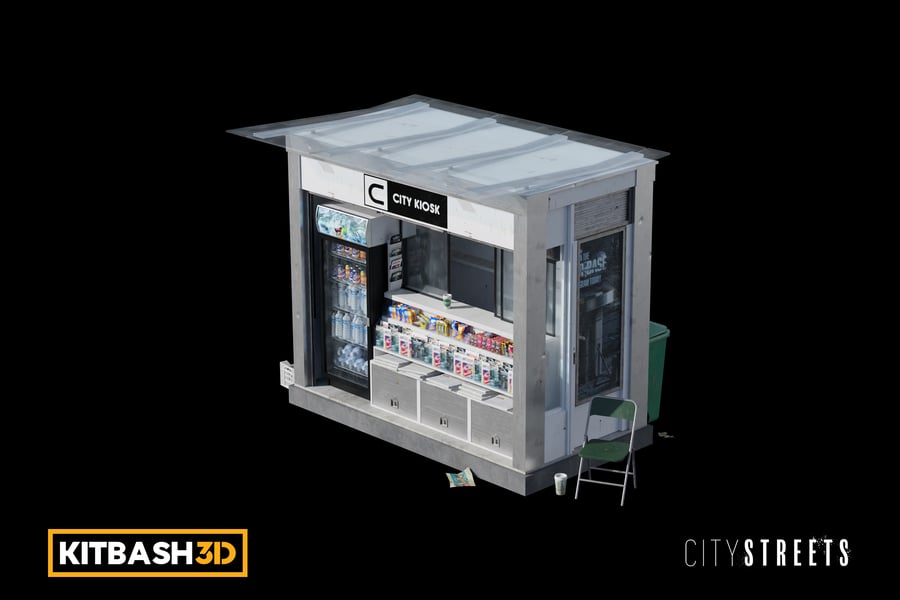
And if you’re looking for a good way to get started with 3D, check out our tutorial on how to use Envato’s ready-made 3D assets to create a realistic-looking city scene.


