
Want to enhance your video projects with After Effects transitions? Discover these top 15 premium transitions on Envato Elements, as well as top tips and FAQs for using After Effects transitions effectively.




Transitions are a vital element of video editing. Smooth transitions are crucial if you want your content to look professional and flow seamlessly. After Effects has a ton of great transitions built into the software – such as fade, cross-fade, or wipe – or you can even create your own if you’re tech-savvy enough. However, professionally made transition templates could be the way to go if you’re just starting out or want to save time.
In this article, we’ve rounded up some of our best After Effects transitions on Envato Elements to take your video projects to the next level.
What Are After Effects Transitions?
After Effects transitions are effects that help your video transition between separate cuts or scenes. They’re designed to make the film flow seamlessly and can immediately boost the professional quality of your video.
While basic transitions like fade and cross-fade have their place, more advanced Adobe After Effects transitions can make your projects stand out, assist with storytelling, and improve the flow of your film.
You can use After Effects transitions to indicate a shift in mood, highlight a change in time or location, or emphasize an essential moment in the production. For example, a whip-pan effect could be used to add energy, a cross-fade to go from day to night, or a dissolve to convey nostalgia or romance. There are so many possibilities!
What are the Benefits of Using After Effects Transitions?
It’s important to think carefully about how you use your transitions, as they should fit with the mood of the video and the style of the whole project. There’s nothing wrong with playing around with a few After Effects transitions just to see what inspires you. There are lots of great benefits to using Adobe After Effects transitions, but here are some of the main ones:
- Increase visual appeal
- Create seamless scene transitions
- Add creativity and style
- Help guide the viewers’ attention
- Make videos more professional.
Top 15 After Effects Transitions on Envato Elements
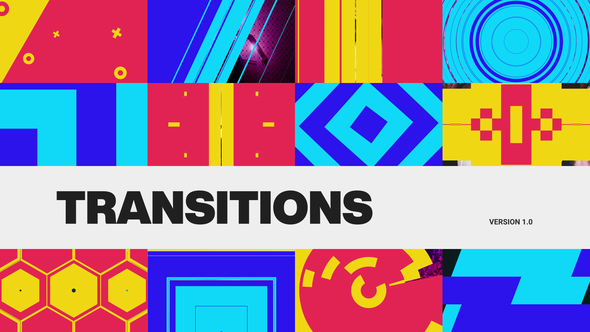
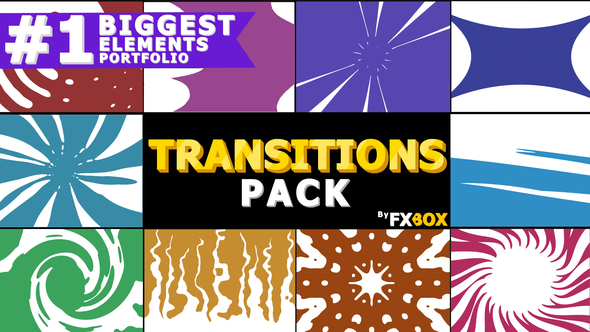
1. Transitions Pack | After Effects


Add professional production value to your videos with this After Effects transitions pack, which can be used with everything from commercial films to social media or travel videos.
2. Scribble Transitions for After Effects
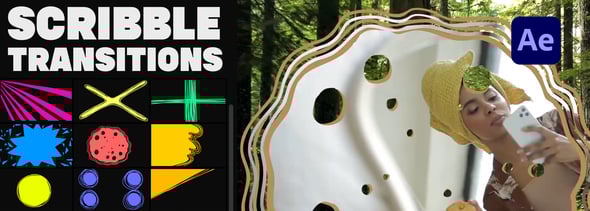
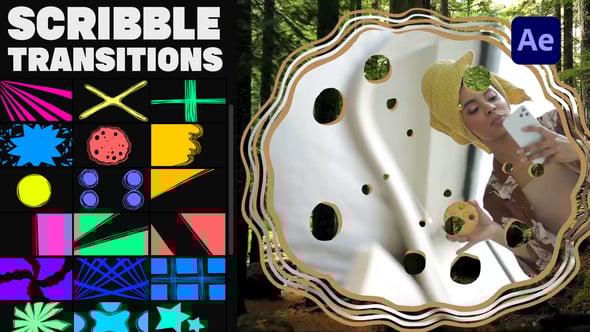
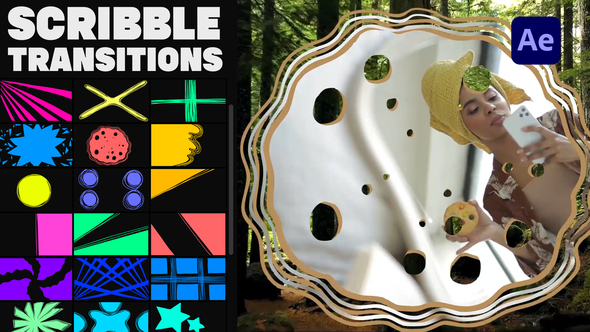
These scribble transitions for After Effects are fun and creative. Add abstract animations to various projects with this bright and colorful theme.
3. Titles Transitions for After Effects

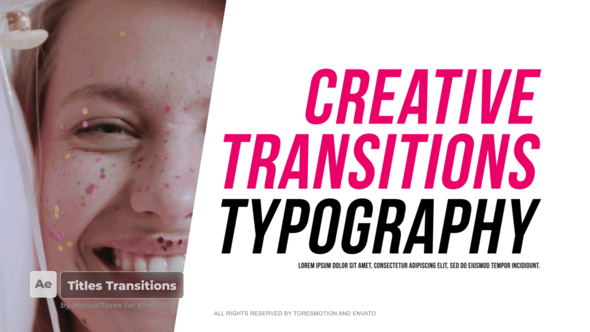
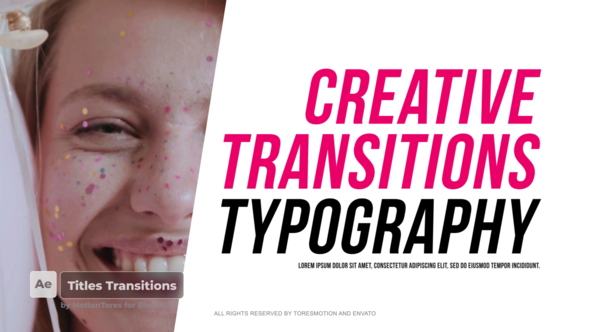
These After Effects Title Transitions are available in 4K and compatible with version CC2015 or above. There’s even a video tutorial included if you need some help getting started!
4. 1500+ Transitions for After Effects
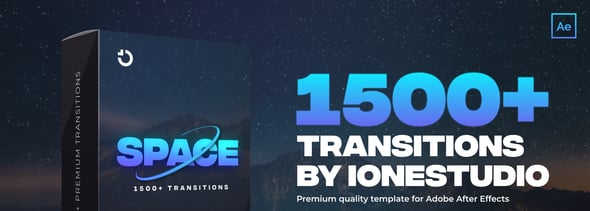
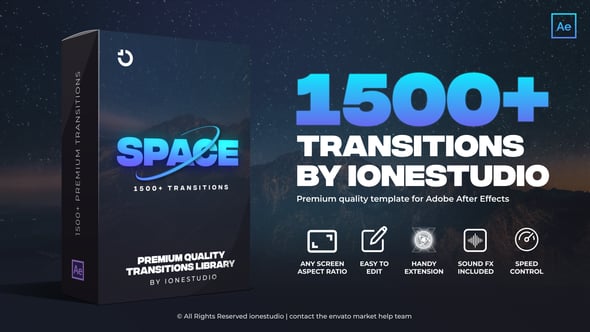
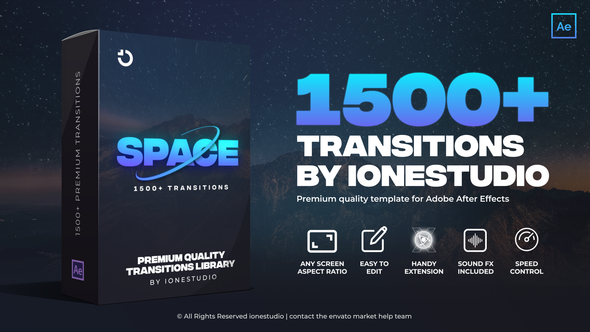
There are After Effects transitions for any video you can think of in this huge pack, with over 1500 to choose from. You can use them with any aspect ratio, and they all include Sound FX!
5. 16 Special Transitions for After Effects
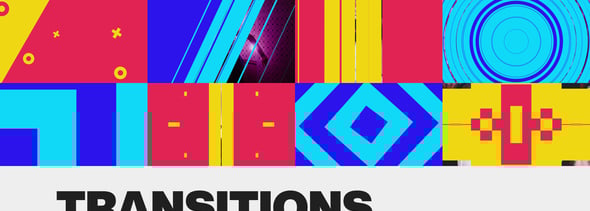
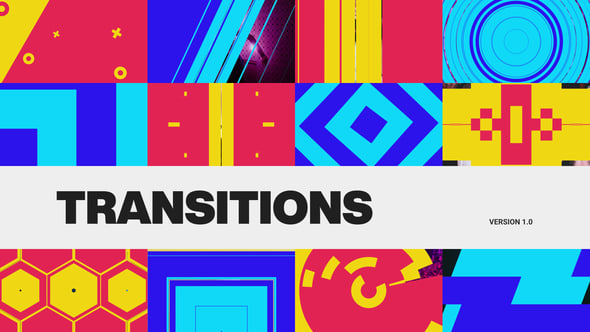
These special transitions for After Effects are super easy to use, so they’re perfect for beginners. You won’t need any plugins, and free font links are included with the download.
6. Clean and Modern Transitions Package For After Effects
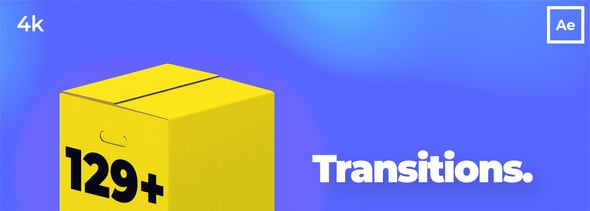
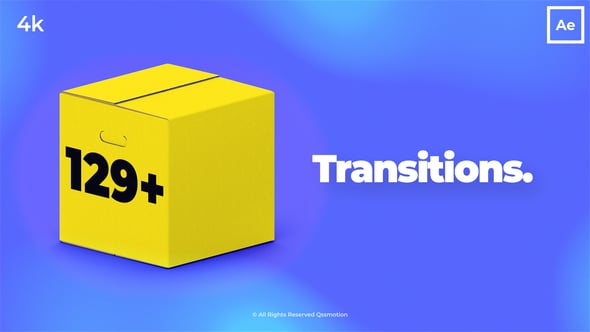
With gently sliding animations, the After Effects transitions in this pack would be perfect for video editors seeking a clean and modern look. You can even customize the colors to suit your branding!
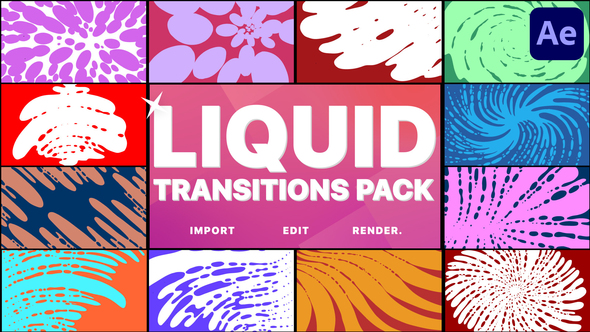
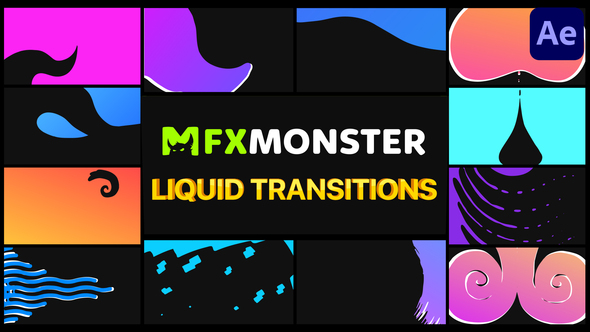
7. Liquid Transitions for After Effects
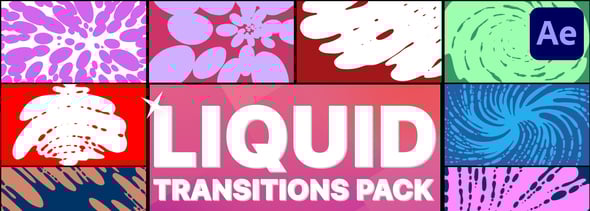
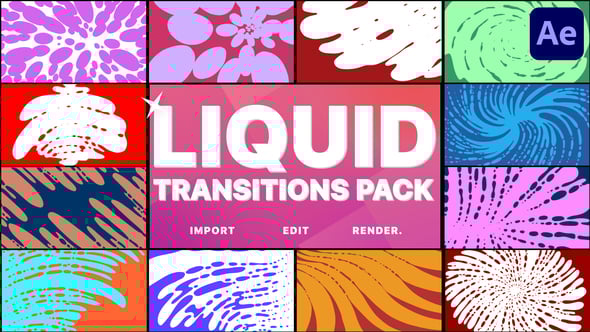
This pack offers liquid transitions which are creative, smooth, and fun. You’ll have full-color control and plenty of media placeholders for your content. We think they’d work well for upbeat videos.
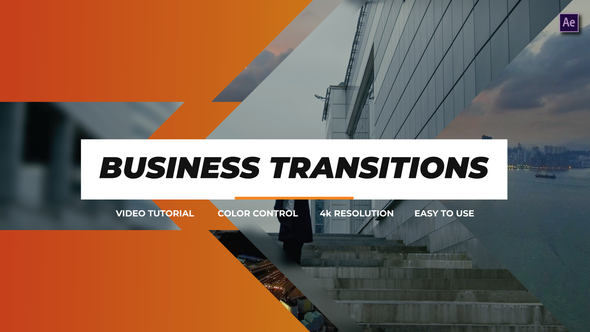
8. Business Transitions for After Effects

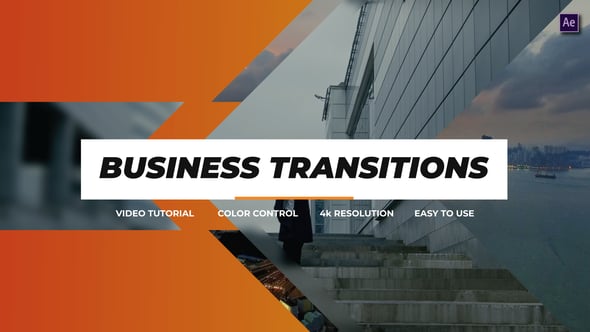
Available in 4K, these Business Transitions for After Effects are perfect for high-quality corporate and business-related projects. Each transition lasts 3 seconds, and you’ll need AE 2022 or above to use them.
9. More Liquid Transitions for After Effects
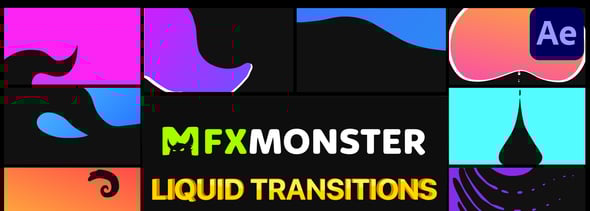
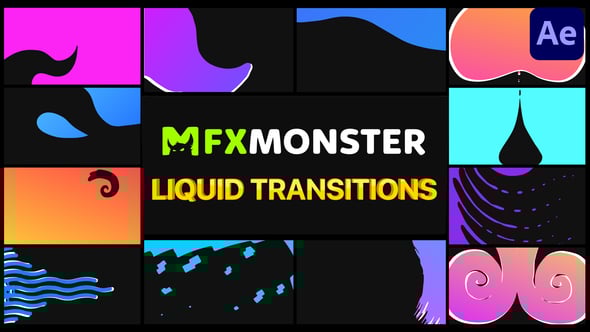
This is another set of smooth liquid transitions with cool gradient color schemes. Switch out the colors to fit your branding, and adjust the glow, gradient, and pixelation.
10. Transitions Pack | After Effect


These After Effects transitions feature a blocky, slide-in animation. They’d be great for educational videos, corporate films, or even cinematic projects.
11. Transitions Pack


This set of transitions offers a diagonal gradient animation, giving it an edgy feel that would work with music videos and fashion.
12. Liquid Motion Transitions
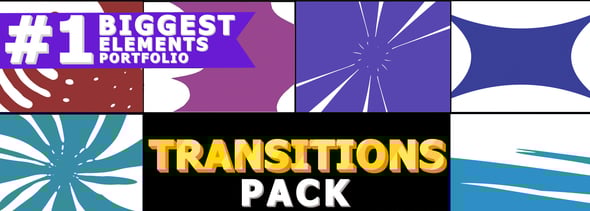
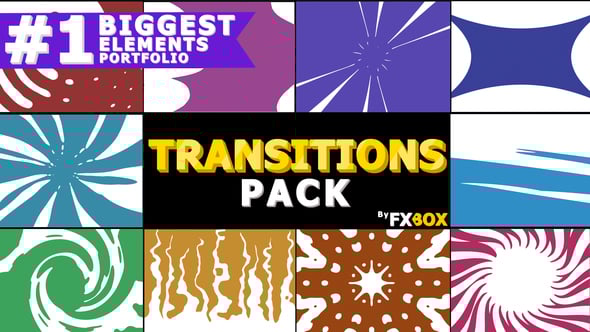
This set of squirting liquid transitions would be perfect for adding a fun splash to sports videos, holiday films, and more.
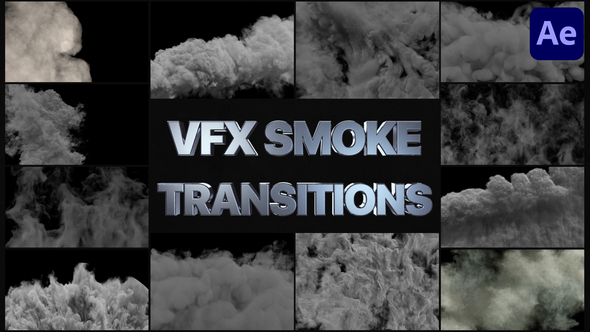
13. Smoke Transitions
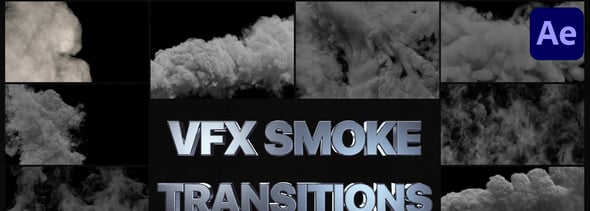
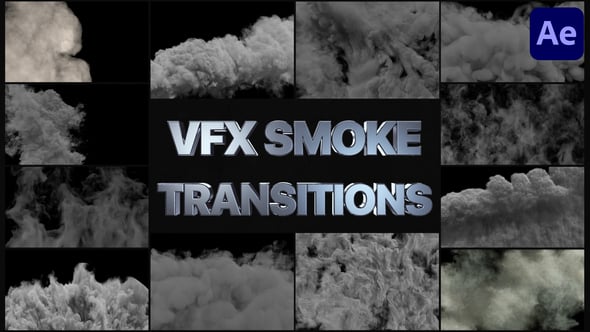
Add some drama to your cinematic productions with these smoke transitions for After Effects. Try them as transitions, or add them with reduced transparency for a fun overlay.
14. Hand Drawn Shape Elements And Transitions
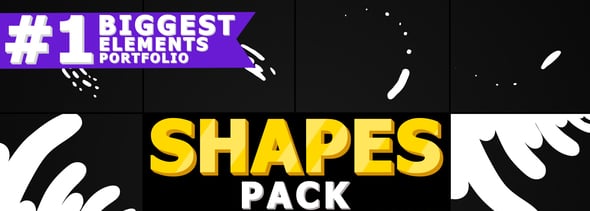

Hand-drawn shapes can be perfect for adding a spark of joy to otherwise simple footage. Try these Hand Drawn Shape Elements and Transitions to add a fun flair to your next project.
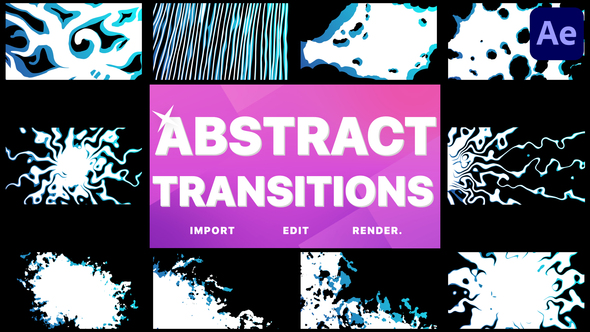
15. Abstract Transitions
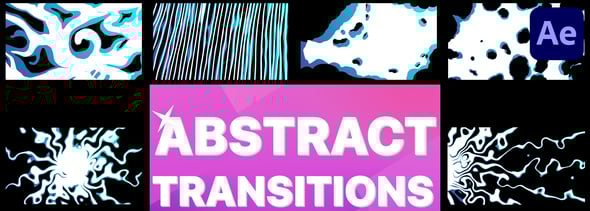
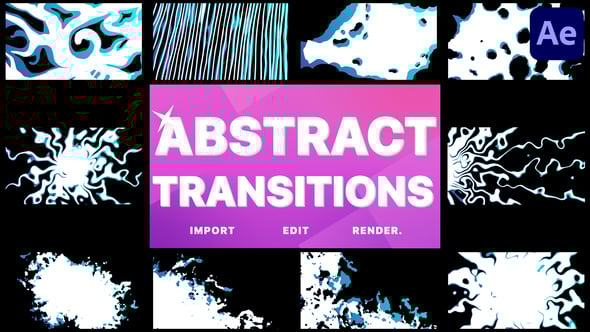
This collection of Abstract Transitions includes a variety of uniquely animated After Effects transitions. The hand-drawn, frame-by-frame animations are simple to use and can establish a fun mood for your video projects.




Tips for using After Effects Transitions Effectively in Your Video Projects
Transitions are a crucial part of your video editing process. If you get them right, your audience probably won’t notice them. If you get them wrong, they can distract your viewer from what they’re watching, obscure important information, or be plain annoying.
Mastering transitions in After Effects can open up a whole world of film editing possibilities to help you captivate your audience and tell compelling stories. Here are some tips for using After Effects Transitions effectively in your video projects.
1. Use Them Sparingly
As with many things, overuse can be really off-putting, so choose your After Effects transitions carefully and try to stick with the same type so that you don’t have many different styles of animations.
2. Customize Your After Effects Transitions
Adjusting something already made means you can shape it to look perfect for your project. Change the colors to fit your brand and keep everything flowing well together.
3. Customize the Transition Animations
If you’re a little more advanced in After Effects, then you can use keyframes to customize transition animations and adjust their timing and speed.
4. Consider Placement and Timing
Be careful with the placement and timing of your After Effects transitions. You don’t want to crash over important information; transition timing should be smooth and unobtrusive.
FAQs: Common Mistakes to Avoid When Using After Effects Transitions
We all get it wrong sometimes! Here are some common mistakes to avoid when using After Effects transitions.
- Avoid using a bunch of different types of transitions. We already touched on this, but it’s a trap that many early-stage filmmakers can fall into. Too many different kinds of transitions can make your production feel chaotic and distracting. Remember to use everything with purpose.
- Avoid using wacky transitions that don’t fit the tone of your film. You should try to choose After Effects transitions that match your video’s overall style and theme. If your video is wacky, go wild! If not, subtlety and consistency will go a long way with most projects.
- Not customizing transitions. It can be tempting to save time by dropping in something premade and leaving it. While that can work out fine, in many cases, it’s just not going to fit your video well. Take the time to adjust the transition in After Effects and make it look perfect for your project – that includes grading, lighting, and overall style.
- What is the perfect duration for transitions? There’s no correct answer, but you should balance smooth transitions and consistent pacing. It may take some practice, but you’ll get to know this instinctively.
- Why are After Effects transitions looking choppy or lagging? Memory can be an issue with large productions, so make sure your software is up to date, and you’re previewing your video in a size and format that your computer can handle. If they look weird after you’ve rendered them out, you might need to adjust settings like resolution, frame rate, and codec to ensure smooth playback.
Get Started with After Effects Transitions Today!
Using professionally made After Effects transitions can save you time and money and add value to your production. Check out Envato Elements for a whole range of After Effects resources, including more After Effects templates and other assets, such as stock video and music, for a monthly subscription.
Or, if you’re an After Effects newbie, check out the Elements Blog for some great beginner tutorials and a ton of inspiration. Happy editing!


