
Learn how you can take creative inspiration from Stranger Things, using color, texture, sound, and AI tools to build work with a darker, nostalgic edge.


With the final season of Stranger Things coming to Netflix, now is the prefect time to revisit Hawkins and learn about the lessons we can take away from the iconic show. We’re breaking down how artists across different fields (photographers, video editors, illustrators, motion designers etc.) can take cues from the show’s unmistakable style. That includes the Stranger Things aesthetic, the colors, the design language, and even how the town of Hawkins, Indiana is designed to feel both familiar and unsettling.
From eerie Stranger Things colors grading and 80s nostalgia items to creature design, glitch overlays, and glowing serif fonts, we’ll show you how to bring these ideas into your own work. And with AI tools like ImageGen, recreating the atmosphere of Stranger Things is easier than ever.
Color grading the Hawkins way
One of the fastest ways to tap into the Stranger Things aesthetic is examining how the show uses color. The show takes inspiration from classic 80s nostalgia, but adds a darker feel. Movies like The Goonies, E.T., and A Nightmare on Elm Street clearly play a part in how the look came together.
Using the Stranger Things colors palette can change how your own work comes across. There’s usually strong contrast, some fog, and grain that gives everything a lived in textured feel. The scenes outside Hawkins High School are a good example (cool shadows, warm highlights, and a constant sense that something’s off).
Make it easier with Envato
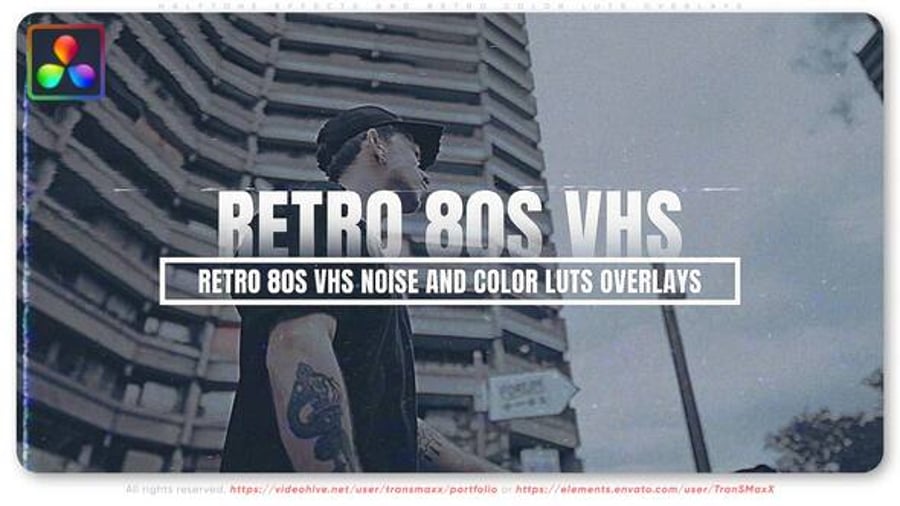
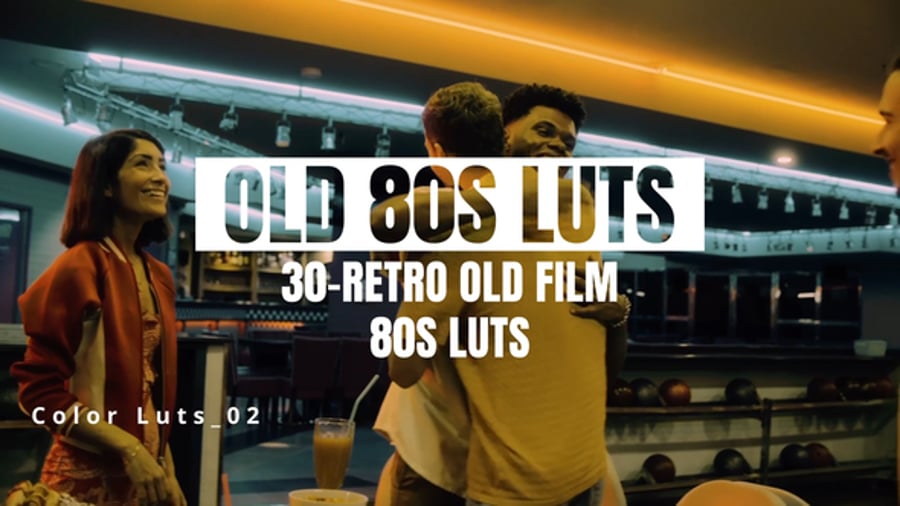
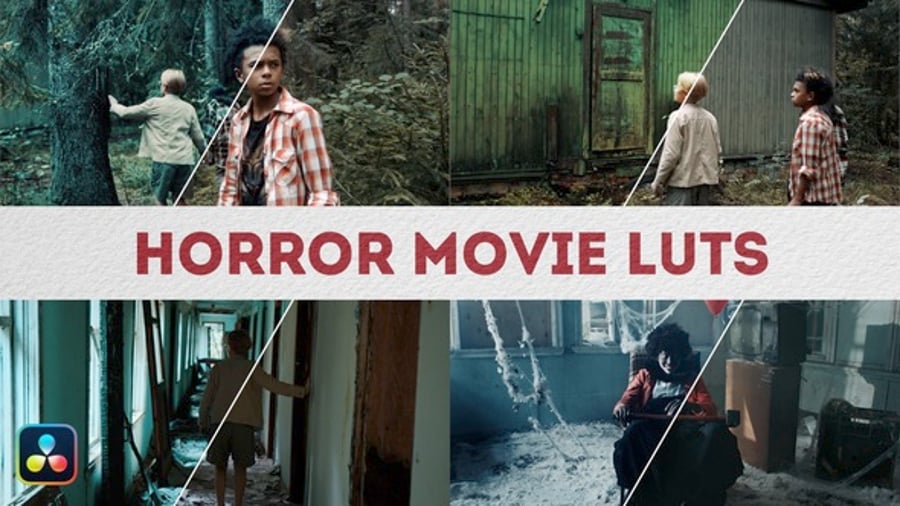
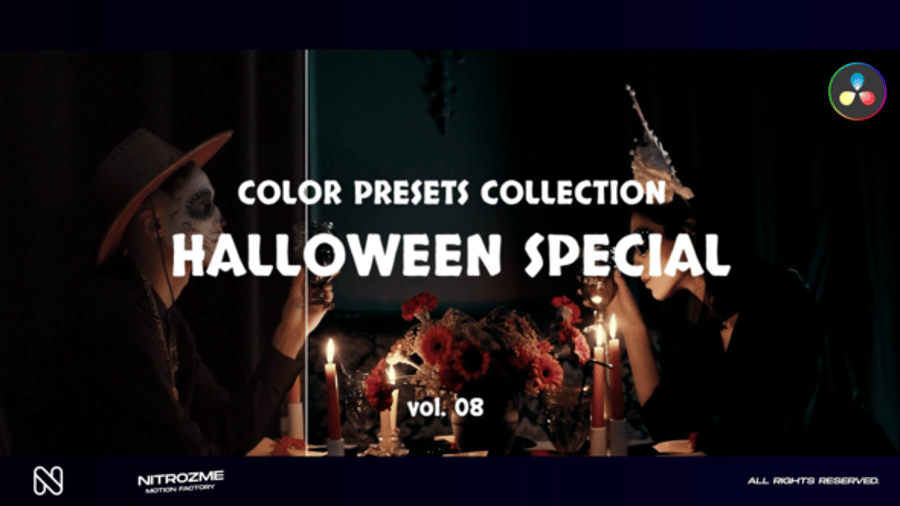
Envato has a wide range of sci-fi LUT packs and cinematic Lightroom presets to help you match that Stranger Things Hawkins mood without building it all from scratch. Try applying these to night shots, forest scenes, or suburban environments for that signature Hawkins and Stranger Things colors vibe.
Want to try with AI?
Tools like ImageGen are great for experimenting with Stranger Things color palette inspired ideas before you even shoot. You can test out mood boards, lighting schemes, and camera framing all with a few lines of text. Check out our AI art prompt guide to help you get started.
Prompt idea to try:
“A teen on a bicycle rides through a foggy suburban street at night. The scene feels suspenseful and quiet, captured in the style of a cinematic horror film from the 1980s, with a deep blue and red color palette.”

Eerie frames & cinematic shadows
Let’s take a look at how framing plays a role in the Stranger Things aesthetic. The show makes smart use of camera angles and composition to create tension which is something that really helps it stand out as one of the best sci-fi horror series on Netflix.
Cues for photographers, editors, and illustrators
If you’re a visual creative, these framing techniques are easy to apply to your own work. Start by:
- Placing your subject directly in the center of the frame
- Using negative space to create a sense of isolation
- Shooting through objects (like windows or trees etc.) to add depth
- Framing your subject at a distance to feel small and exposed
This kind of eerie structure works especially well when capturing places that feel familiar but strange, just like Hawkins. Scenes around Hawkins High School are good examples of this. Even when nothing’s happening, the framing tells you something might. That’s the magic of smart composition, it sets the tone before the story even begins.
Try it with AI prompts and visual mockups
Want to test out framing ideas before committing to a design or photo shoot? Try VideoGen to generate eerie, cinematic scenes.
Need more inspiration? Take a look at our breakdown of Dark Fantasy & 80s Revival for more on building suspense through imagery.
Prompt idea to try:
“A sweeping aerial shot of a lone hiker on a snow-covered mountain, moving steadily through a blizzard, shot in a moody cinematic style, with a slow ambient piano soundtrack.”
Retro titles & analog UI design
Let’s talk about the graphics. The Stranger Things aesthetic plays with the type, logos, and screen design in a very specific way. Glowing red title sequence and retro UI really help sell a style that is both sc-fi horror and 80s nostalgia.
The Stranger Things logo and opening sequence
As soon as those glowing red letters start fading in, you know exactly what you’re watching. The intro is simple and slow, but it’s stuck with people, and it’s now a big part of the Stranger Things aesthetic.
This sort of look is inspired from old school publishing and films. The retro style font used is based on ITC Benguiat. Combine that with with soft glows, and an unforgettable music track, and you get the feeling of vintage horror and 80s nostalgia all in one go.
Here are a few things to look out for in a font, followed by some great examples from Envato:
- A bold serif or sharp-edged display style
- Wide spacing between letters (especially for titles)
- A slightly vintage or 80s feel
- Clean lines with just enough personality (nothing too modern)
- Optional extras: glow, texture, subtle distortion for added mood
And if you’re looking for a quick way to apply the Stranger Things logo text effect, here’s a quick Photoshop add on that you can use:
If you want to try something similar, there’s a full Stranger Things–inspired text effect tutorial on Tuts+ you can follow.
80s UI design
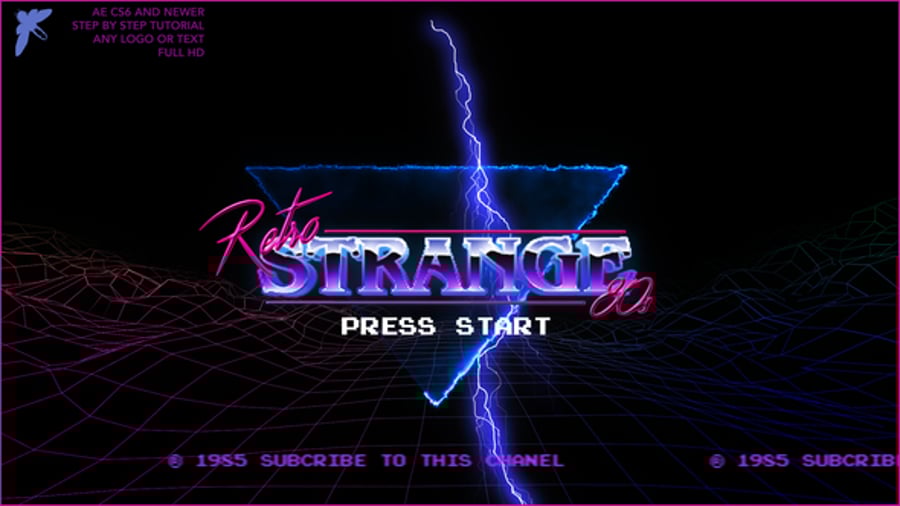
Beyond the titles, the show’s occasional use of retro tech (radios, terminals, TVs etc.) adds to the analog feel. If you’re designing interfaces, consider bringing in retro UI kits, CRT screen effects, or glitch textures. It’s all about blending sci-fi horror with the charm of 1980s design. Some key ideas to try:
- Use gradient-heavy layouts with neon pinks, purples, and electric blues
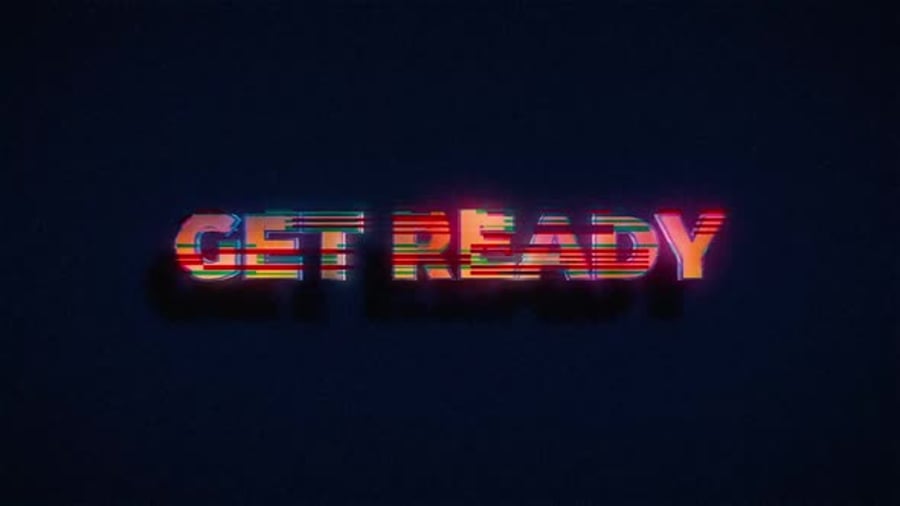
- Add scan lines, flicker, or subtle screen warp to mimic old CRT monitors
- Work with neon shapes and color gradients
- Bring in grid patterns, wireframes, and pixel-style icons for a techy 80s feel
And here’s a few tools and templates from Envato that you can use to enhance your designs and give your projects that horror sci fi TV series look:
Fonts
Although the iconic title sequence uses a bold serif typeface, you can still use other styles of fonts that can still give the Stranger Things vibe (depending on the stylization and VFX used). Retro 80s nostalgia fonts and other sci-fi fonts can definitely work, especially when combined with glowing overlays to help with the mood. Here’s a few more packs from Envato for inspiration:
Monsters of Hawkins: creature design
From the faceless Demogorgon to the towering Mind Flayer and the decayed form of Vecna, Stranger Things has a whole bunch of different (and terrifying) creatures that you can take inspiration from. The Duffer brothers prioritized the use of animatronics and practical effects to give monsters like the Demogogon a more realistic and frightening presence. Let’s do a design breakdown to understand a little more about what makes the Stranger Things monsters so effective:
Unsettling features
Creatures like the Demogorgon and Demodogs don’t show their face right away. In fact they don’t really have a face at all. The head kind of splits open like a flower, with teeth hidden inside which is a surprising reveal and adds to the horror.
Strong silhouette
Strong silhouettes can really help make a monster memorable. The creatures from the Upside Down have design shapes that are instantly recognisable. Let’s take a look at the Mind Flayer for example, which has a unique, spider-like design.
The Mind Flayer is also depicted in a misty, cloud-like, shadowy form. Although it has two different forms, you can tell that it’s the same creature straight away because of it’s strong silhouette.
Texture
The texture is what makes a lot of these creatures so hard to look at. With skin that looks stretched and half-rotted, creatures like the Demogorgon have this raw, wet look, almost like muscle without skin.
Vecna is dry and decayed, like he’s been dug up. That mix of slick and rough textures messes with you. It feels real, even when it isn’t (or so they say…).
Designing your own creatures
If you’re creating your own Stranger Things-inspired monsters, remember the three things above that help make the creatures so effective in the first place (unsettling features, strong silhouette, and texture). Explore these elements and think about things like what happens when a human shape is stretched and twisted.
Tools like ImageGen are useful for brainstorming unusual forms or mood directions. You can create base concepts, then develop them further through sketching.

And then you can use VideoGen to make them move and come to life! For more inspiration, check out our feature on Dark Fantasy and 80s Revival to see how horror, nostalgia, and the surreal can come together with your creature to achieve that Stranger Things aesthetic.
Prompt idea to try:
“A scary forest creature walks slowly in a misty forest, dark and ominous atmosphere, foggy moonlit night, zooming in, wind rustling through trees.”
Haunting soundscapes & atmospheric audio
You can’t talk about the Stranger Things aesthetic without mentioning the sound (original score composed by Kyle Dixon and Michael Stein). It’s a great example of pure 80s nostalgia. The score uses synthesizers in homage to 1980s film composers and does as much work on making the Stranger Things aesthetic as iconic as it is as the visuals. It does a great job of feeling nostalgic and eerie at the same time.
“It wasn’t scoring to picture, but creating ideas and discovering what the sounds could become. That’s always the best part of the process.” — Kyle Dixon, Stranger Things composer (spitfire audio)
Crafting the sound
The show leans on a mix of retro synthesizers, ambient drones, lo-fi crackles, and long reverb tails. It’s a sound that can change from 80s nostalgia, to sci-fi horror easily. Some elements to experiment with:
- Analog synth loops
- Slow pulsing bass
- Static, tape hiss, or vinyl crackle
- Hollow reverb and distant echoes
- Minimal melodic lines that loop or evolve slowly
If you’re short on time, you’ll find a lot of great retro-inspired audio packs and ambient FX libraries on Envato. If you’re planning a project with sci-fi horror or 80s nostalgia items, start here:
When in doubt, drop an 80s track
Sometimes the fastest way to hit the mood is to use a song people already connect with. Stranger Things does this a lot. You don’t always need a custom score, and they work wonders in things like trailers and short films.
Try MusicGen to create Stranger Things inspired tracks
If you’re trying to capture that eerie, synth-heavy sound, tools like MusicGen can help you get there fast. Instead of digging through libraries or composing from scratch, you can describe the vibe you want (something like “slow 80s synth, dark and minimal, horror tone”) and generate music that fits. Try experimenting with different prompt combos:
Prompt idea to try:
“80s analog synth, slow tempo, ambient horror score, Stranger Things vibe, lo-fi, suspenseful tone”

The Upside Down: a study in dark aesthetic
The Upside Down is one of the most iconic parts of Stranger Things. It’s just like Hawkins, but everything’s just more weird and twisted. There are roots growing over the walls, the air looks thick, and there’s this constant fog hanging around. Lights flicker. Things move when they shouldn’t. It feels like the world stopped working and you’re left wondering where exactly is Hawkins in Stranger Things?
This is where the show leans more into sci-fi horror. The look changes completely. The Stranger Things aesthetic becomes darker and messier (less neon, more decay). If Hawkins is the normal world, this is what’s hiding underneath.
Using AI to explore surreal worlds
Try combining familiar settings with distorted or decayed elements. Words like “fog”, “roots”, “hallway” or “decay”, whatever comes to mind! Mix everyday places with stranger details. You’ll end up with something that can spark a mood or give you a direction before you get into the serious work.
Prompt idea to try:
“Abandoned school hallway with roots growing through the walls, flickering lights, thick fog, eerie atmosphere, 80s horror style, muted colours”

Stranger Things FAQ: Hawkins, Demogorgons & Beyond
What is the Stranger Things aesthetic?
The Stranger Things aesthetic is kind of a mix of things. But it’s not just retro for the sake of it. There’s a slow, creepy sci-fi horror edge running through everything. You can tell it pulls a lot from films in the late 70s and 80s, but it still feels like its own thing.
What makes the Stranger Things color palette stand out?
The colors shift between cold and warm, lots of deep blue and teal for shadows, then sudden reds or oranges to build pressure. These Stranger Things colors create contrast that feels uneasy but cinematic. It works especially well at night or in foggy settings.
Where is Hawkins in Stranger Things?
Hawkins is a fictional, seemingly normal looking town in Indiana which has been created for the series. Hawkins looks to be inspired by real Midwestern towns and 80s suburban life. The perfect setting for a horror/sci-fi story.
What’s the story with Hawkins High School?
Hawkins High School from Stranger Things is one of the main locations. It has that typical 80s school look and feels dated in a good way. When the creepy stuff starts happening there, it throws everything off balance.
How can I recreate the Stranger Things look in my own work?
Start with the vibe. Use things like grainy textures, split-tone color grading, wide cinematic framing, and vintage fonts. You can find a lot of these assets on Envato, or generate your own visuals with tools like ImageGen. If you’re working with music or sound, try ambient synth loops and analog FX to set the tone.
What is 80s nostalgia, and why does it matter here?
What is 80s nostalgia? It’s that feeling you get from old stuff (like the 80s!). Things like VHS fuzz, walkie-talkies, wired phones, kids riding bikes are all things you would find within that era. Even if you didn’t grow up with it, the world still feels familiar somehow…
Make it strange, make it yours
There’s a lot in Stranger Things that creatives can pull from. The way scenes are lit, how the sound creeps in slowly, the Stranger Things color palette etc. are a great source of inspiration. The mix of 80s nostalgia/sci-fi horror is a fun one to play around with. But remember, don’t feel like you need to follow it exactly. Just take pieces that fit your own style.


